How to View the Menu with a QR Code?
If you see a small square code on the table when you visit a restaurant or café, this is a QR menu. Thanks to QR codes, you can access the menu within seconds using your phone without needing a printed menu. However, many people who are not yet accustomed to this system do not know how to scan the QR code or how to open the menu. At Winniey, we guide both businesses and customers regarding digital menus.
What is a QR Code and How Does It Work?
A QR code is a square-shaped black and white graphic that contains information. The QR codes used in restaurants usually host the web address of the menu. When you scan this code with your phone, the business's digital menu page will automatically open. There is no need to download any application or create an account. All you need to do is point your phone's camera at the QR code.
Scanning QR Codes with iPhone
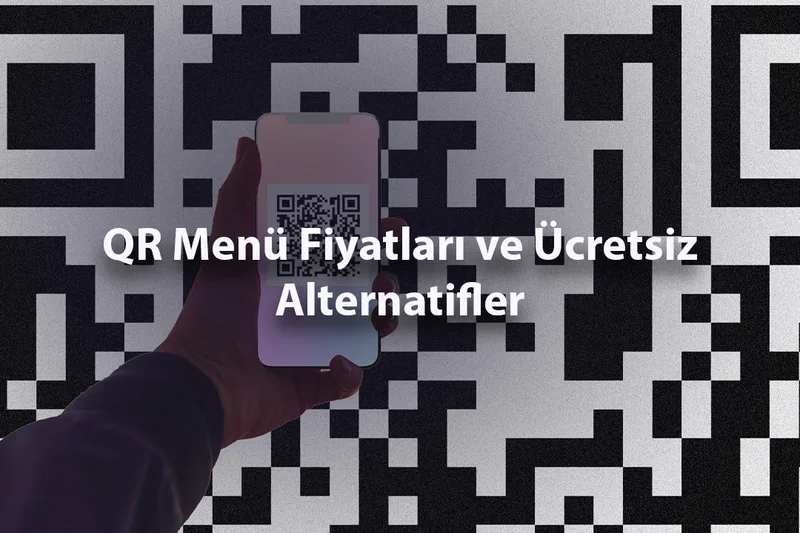
If you are using an iPhone, scanning a QR code is extremely simple. Open your phone's camera application and point the camera at the QR code on the table. A yellow notification will appear at the top of the screen; just tap on this notification. Your browser will automatically open, and the menu will appear. This feature is enabled by default in iOS 11 and later versions, so no additional application is required.
Scanning QR Codes with Android Phones
Most Android phones also support QR code scanning directly through the camera application. When you open your camera and point it at the QR code, a link notification will appear on the screen. You can access the menu by tapping on this link. If your phone's camera does not recognize the QR code, you can use the Google Lens application. Google Lens comes pre-installed on most Android phones and can quickly read QR codes.
How to Navigate the Menu After Scanning the QR Code?
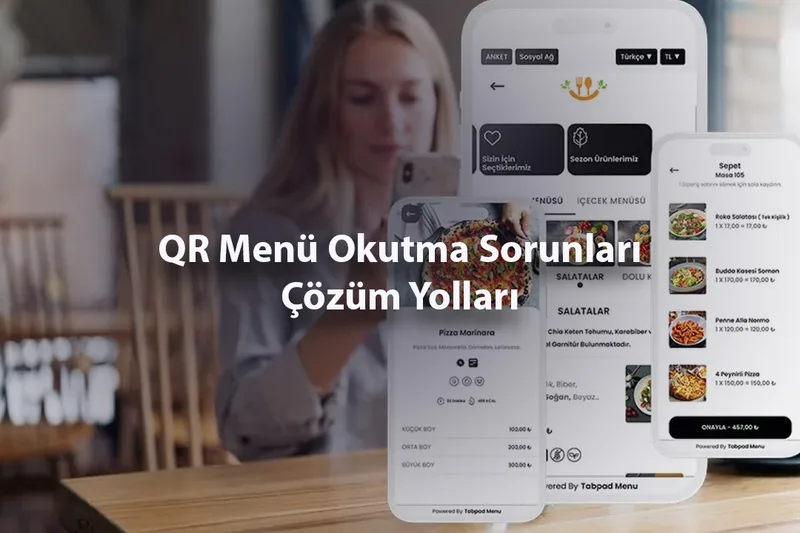
The digital menu that opens when you scan the QR code is displayed in your phone's browser. In menus created with Winniey, products are presented categorized. You can scroll up and down with your finger to browse all products. You can quickly switch between categories and click on product images to get detailed information. Since the menu is fully mobile-compatible, you won't experience issues with text that doesn't fit the screen or distorted images.
Is It Possible to Order from the QR Menu?
With QR menus created by Winniey, you can not only view the menu but also place an order. Add your favorite products to the cart, write any special notes if necessary, and send your order directly to the business via WhatsApp. There is no need to wait for a waiter or raise your hand. Your order reaches the business's phone instantly.
What Should You Do If the QR Code Cannot Be Scanned?
In some cases, the QR code may not be scannable. If there are scratches or stains on the code, the camera may have difficulty recognizing it. Additionally, scanning may fail in very dark environments. In this case, try turning on your phone's flash and scanning again. If the problem persists, you can ask the business staff for the menu link; it is also possible to access Winniey menus directly through the web address.
Looking at the menu with a QR code has become one of the most practical habits of the digital age. The next time you visit a restaurant, try scanning the QR code on the table; you will see that the menu is at your fingertips within a few seconds.