Müşterilerinizi QR Menüye Alıştırmanın Pratik Yolları
QR menüye geçiş yaptınız, menünüz hazır, QR kodlar masalarda yerini aldı. Ancak bazı müşterileriniz hala garsondan basılı menü istiyor. Bu durum özellikle dijital araçlara daha az aşina olan müşteri kitlesinde sıkça karşılaşılan bir geçiş sürecidir. Winniey olarak, işletmelerin bu geçişi yumuşak ve doğal bir şekilde yönetmesine yardımcı oluyoruz. Bu yazıda, müşterilerinizi QR menüye alıştırmanın pratik yollarını paylaşıyoruz.
Masalarda Yönlendirici Bilgi Notu Bırakın
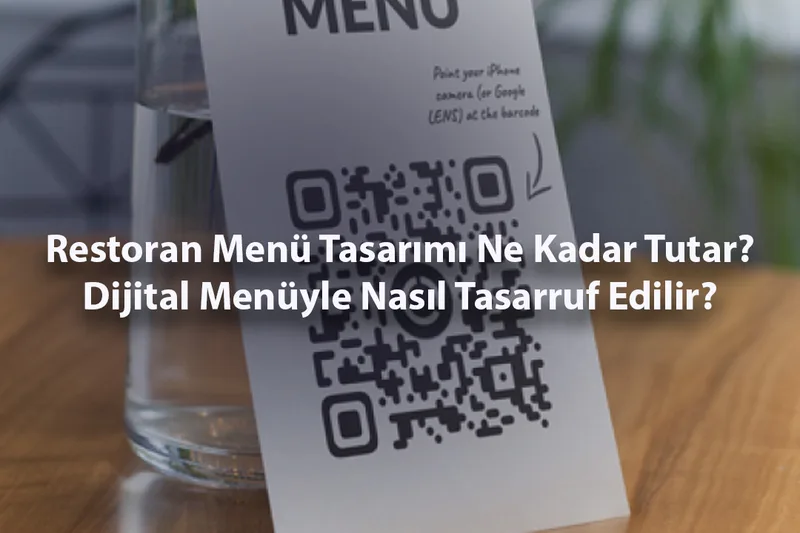
QR kodun yanına kısa ve anlaşılır bir yönlendirme notu yerleştirmek büyük fark yaratır. "Menümüze ulaşmak için QR kodu telefonunuzun kamerasıyla tarayın" gibi basit bir cümle, müşteriye ne yapması gerektiğini açıkça söyler. Görselli bir talimat da eklerseniz, teknolojiyle arası iyi olmayan müşteriler bile kolayca tarama yapabilir.
Personeli Yönlendirme Konusunda Bilgilendirin
Garsonlar ve servis personeli, QR menüye geçiş sürecinde en önemli yardımcılarınızdır. Müşteri basılı menü istediğinde personelin nazikçe QR menüyü tanıtması ve gerektiğinde tarama konusunda yardım etmesi süreci hızlandırır. Personelin QR kodu nasıl taratacağını bilmesi ve müşteriye güvenle rehberlik etmesi yeterlidir.
Giriş ve Karşılama Alanında QR Kodu Tanıtın
Müşteri masaya oturmadan önce QR menüyle tanışırsa, masada tereddüt yaşama olasılığı düşer. Giriş kapısına, karşılama tezgahına veya bekleme alanına yerleştireceğiniz bir bilgilendirme görseli, müşterinin mekanınızda dijital menü kullanıldığını önceden öğrenmesini sağlar.
Sosyal Medyada QR Menünüzü Duyurun
İşletmenizin Instagram, Facebook veya Google İşletme Profili sayfalarında QR menüye geçtiğinizi duyurmak, müşterilerinizi önceden bilgilendirir. Kısa bir tanıtım videosu veya görsel paylaşımı, dijital menünün nasıl kullanıldığını gösterir ve merak uyandırır. Müşteriler mekana gelmeden önce sisteme aşina olur.
Yaşlı ve Teknolojiye Uzak Müşterilere Sabırlı Olun
Her müşteri teknolojiye aynı derecede hakim değildir. Yaşlı müşteriler veya akıllı telefon kullanımına alışık olmayan kişiler QR menüde zorlanabilir. Bu müşterilere sabırla yardımcı olmak ve gerektiğinde personelin telefonundan menüyü göstermek, kimseyi dışlanmış hissettirmeden geçiş sürecini kolaylaştırır.
Geçiş Döneminde Basılı Menüyü Tamamen Kaldırmayın
QR menüye alışma süreci her müşteri için farklı ilerler. İlk birkaç hafta basılı menüyü tamamen kaldırmak yerine sınırlı sayıda yedek bulundurmak akıllıca bir yaklaşımdır. Zamanla müşterilerinizin büyük çoğunluğu QR menüye geçtiğinde basılı menülere olan ihtiyaç kendiliğinden ortadan kalkacaktır.
Geçiş süreci sabır ve tutarlılık gerektirir. Winniey ile oluşturduğunuz QR menü zaten kolay ve kullanıcı dostu olduğu için müşterileriniz kısa sürede bu sisteme alışacaktır. Bugün ücretsiz kaydolun ve geçiş sürecinizi başlatın.