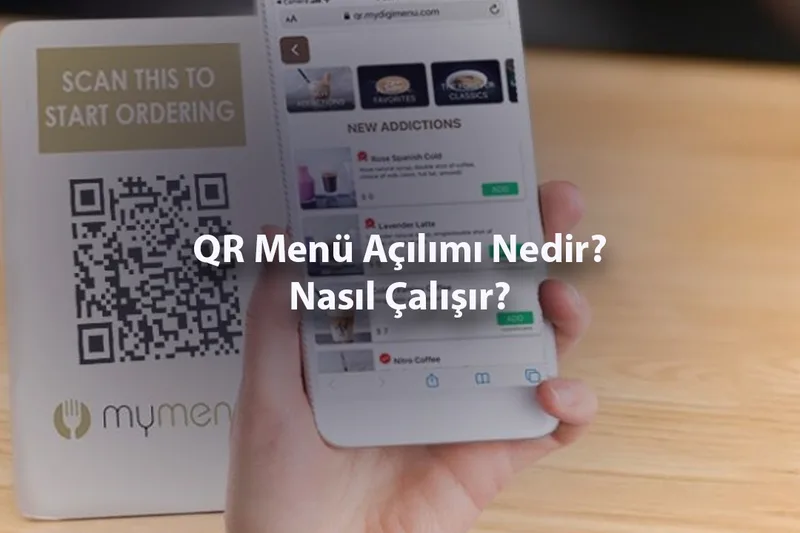
QR Menü Açılımı Nedir ve Nasıl Çalışır?
QR menü kavramı son yıllarda restoran ve kafelerde sıkça duyulmaya başladı. Ancak QR kodun ne anlama geldiğini ve QR menünün nasıl çalıştığını tam olarak bilmeyen birçok işletme sahibi ve müşteri bulunuyor. Winniey olarak, bu temel kavramı en anlaşılır şekilde açıklamak ve QR menünün çalışma mantığını ortaya koymak istiyoruz.
QR Kodun Açılımı Nedir?
QR, İngilizce "Quick Response" yani "Hızlı Yanıt" ifadesinin kısaltmasıdır. QR kod, 1994 yılında Japonya'da otomotiv sektörü için geliştirilmiş iki boyutlu bir barkod türüdür. Geleneksel barkodların aksine QR kodlar çok daha fazla bilgi saklayabilir ve herhangi bir açıdan taranabilir. Günümüzde QR kodlar ödemelerden web sitelerine, etkinlik biletlerinden restoran menülerine kadar pek çok alanda kullanılmaktadır.
QR Menü Ne Anlama Geliyor?
QR menü, bir restoran veya kafenin dijital menüsüne yönlendiren QR kodu ifade eder. Müşteri bu kodu telefonuyla taradığında, otomatik olarak işletmenin online menü sayfası açılır. Menü bir web sayfası olarak görüntülenir, herhangi bir uygulama indirme gerektirmez. Müşteri ürünleri inceler, görsellere bakar ve dilerse sipariş verir. Tüm bu işlem birkaç saniye içinde gerçekleşir.
QR Menü Teknik Olarak Nasıl Çalışır?
QR menünün çalışma prensibi oldukça basittir. İşletme, Winniey gibi bir platform üzerinden dijital menüsünü oluşturur. Platform bu menüye özel bir internet adresi atar. Ardından bu adrese yönlendiren bir QR kod üretilir. İşletme bu kodu bastırıp masalara yerleştirir. Müşteri telefon kamerasıyla kodu taradığında, tarayıcısı otomatik olarak menünün bulunduğu web sayfasını açar.
QR Kod Taramak İçin Ne Gerekir?
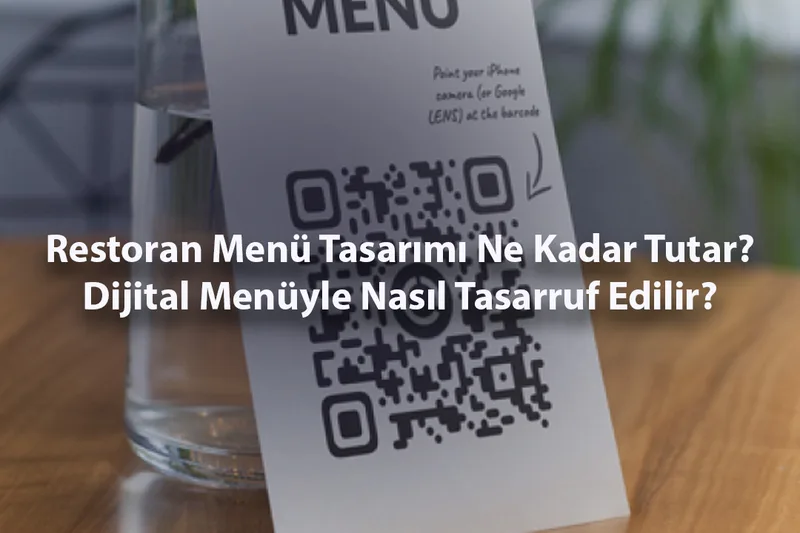
Modern akıllı telefonların neredeyse tamamı QR kod tarama özelliğine sahiptir. iPhone kullanıcıları kamera uygulamasını, Android kullanıcıları ise kamerayı veya Google Lens'i kullanarak tarama yapabilir. Ek bir uygulama indirmeye gerek yoktur. Tek gereklilik, telefonun internet bağlantısının olmasıdır; menü sayfası internet üzerinden yüklenir.
Winniey ile QR Menü Oluşturmak Ne Kadar Kolay?
Winniey'de QR menü oluşturmak teknik bilgi gerektirmez. Hesabınızı açın, menü fotoğrafınızı yükleyin ve yapay zekanın menünüzü oluşturmasını bekleyin. Menünüz hazır olduğunda QR kod otomatik olarak üretilir. Kodu indirip masalarınıza yerleştirdiğiniz anda sisteminiz aktif hale gelir. Tüm bu süreç birkaç dakika içinde tamamlanır ve tamamen ücretsizdir.
QR menünün ardındaki teknoloji karmaşık gibi görünse de kullanımı son derece basittir. Winniey'e bugün ücretsiz kaydolun ve QR menünün kolaylığını kendi işletmenizde keşfedin.